Part of the

Connect your harness to A2A agents straight away — install the A2A CLI and its Agent Skill, and your coding assistant can discover, message, and delegate to any A2A agent.
Key features
Connect agents built on different platforms (LangGraph, CrewAI, Semantic Kernel, custom solutions) instead of rebuilding an integration for every agent you add. What is A2A?
Enable agents to delegate sub-tasks, exchange information, and coordinate actions to solve complex problems that a single agent cannot.
Agents interact without needing to share internal memory, tools, or proprietary logic, ensuring security and preserving intellectual property.
MCP connects an agent to tools, APIs, and data. A2A connects it to other agents. Use both. A2A and MCP
Add capabilities through formal protocol extensions and custom bindings, governed by a tiered promotion process so the core stays stable.
Build an agent
Pick your language and add the official SDK. Every SDK implements the same A2A v1.0 specification, so agents interoperate across all of them.
Explore further
-
Go further with the A2A CLI
Serve any stdin/stdout script as an agent, stream task updates, and drop protocol-native JSON into your pipelines.
-
Read the Introduction
Understand the core ideas behind A2A.
-
Dive into the Specification
Explore the detailed technical definition of the A2A protocol.
-
Follow the Tutorials
Build your first A2A-compliant agent with step-by-step guides in Python, Java, JavaScript, and C#/.NET.
-
Explore Code Samples
See A2A in action with sample clients, servers, and agent framework integrations.
-
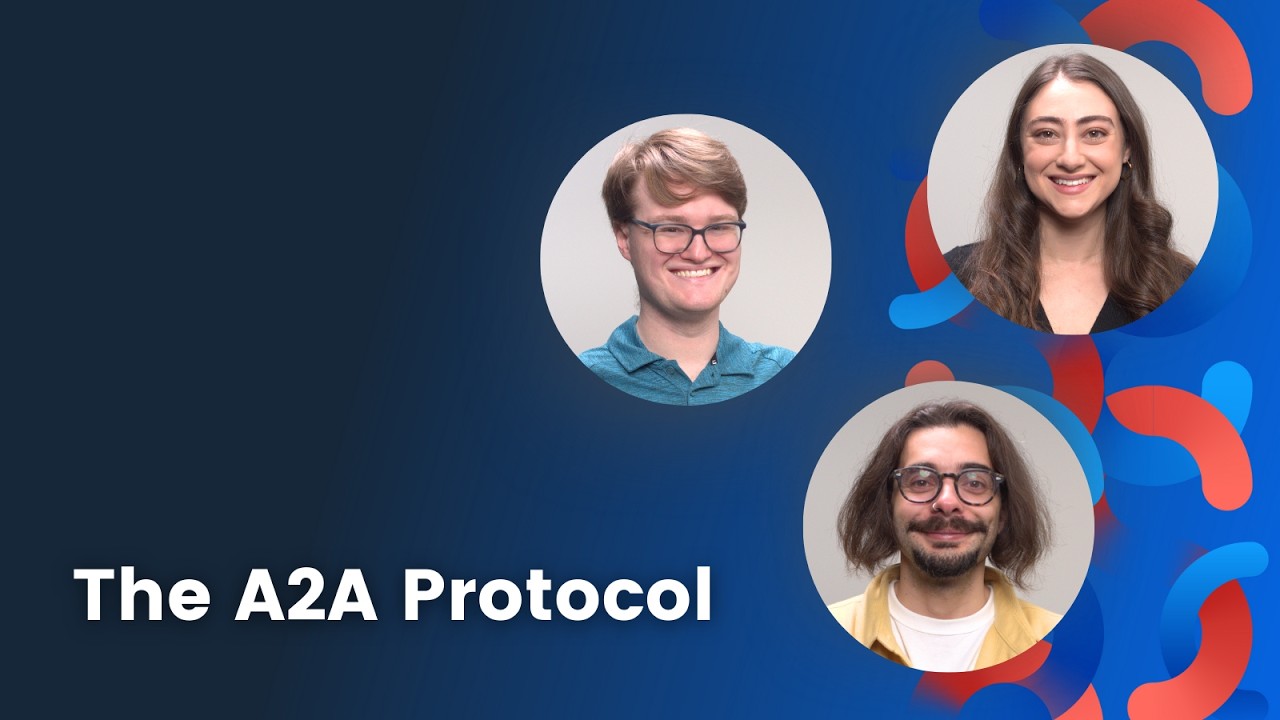
Video — Intro in under 8 min
-
Course — DeepLearning.AI Intro to A2A